 Xpense
Open a real bank statement and the transaction descriptions are rarely plain English. "SWIGGY*ORDER9284739", "UPI-RAJESHKUMAR-9876543210@YBL-YESB0000001", "POS 412312XXXXXX5678 AMAZON PAY" — a human reads these and immediately knows one is food delivery, one is a payment to a person, one is an online purchase. An app has to get to the same answer from the raw text alone, every time, without a human reading each one.
How it actually decides
It's not guessing from scratch each time. A categorization system is really doing two things:
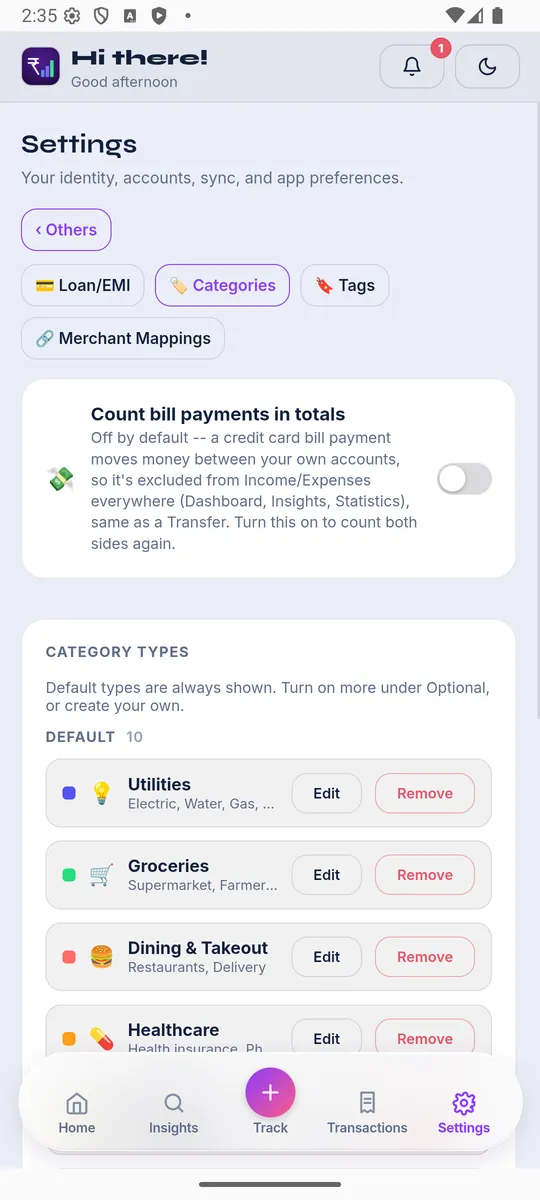
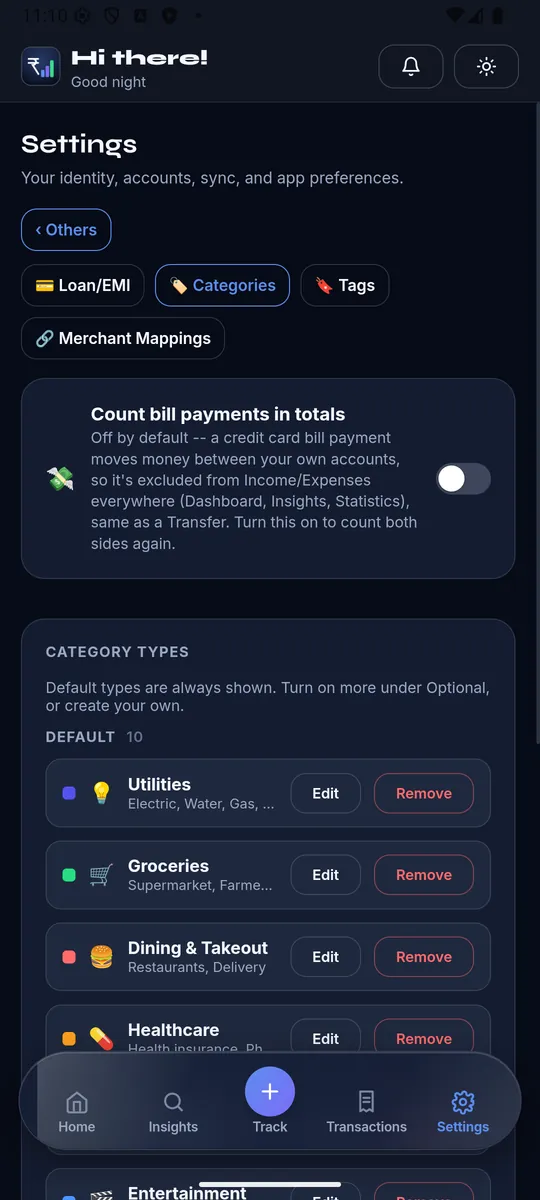
- Pattern matching against known merchants. A large, maintained list of merchant name patterns mapped to categories — "SWIGGY" and "ZOMATO" variants to Food, "UBER" and "OLA" to Transport, "AMAZON" to Shopping — handles the majority of common transactions correctly on the first pass, because most people's spending concentrates on a relatively small set of frequently-used merchants.
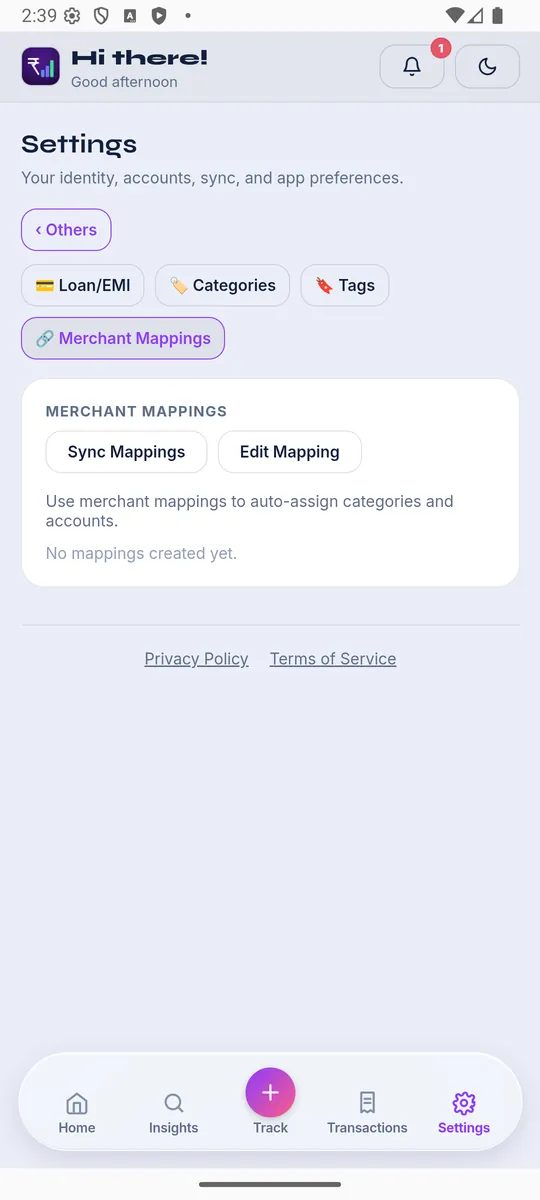
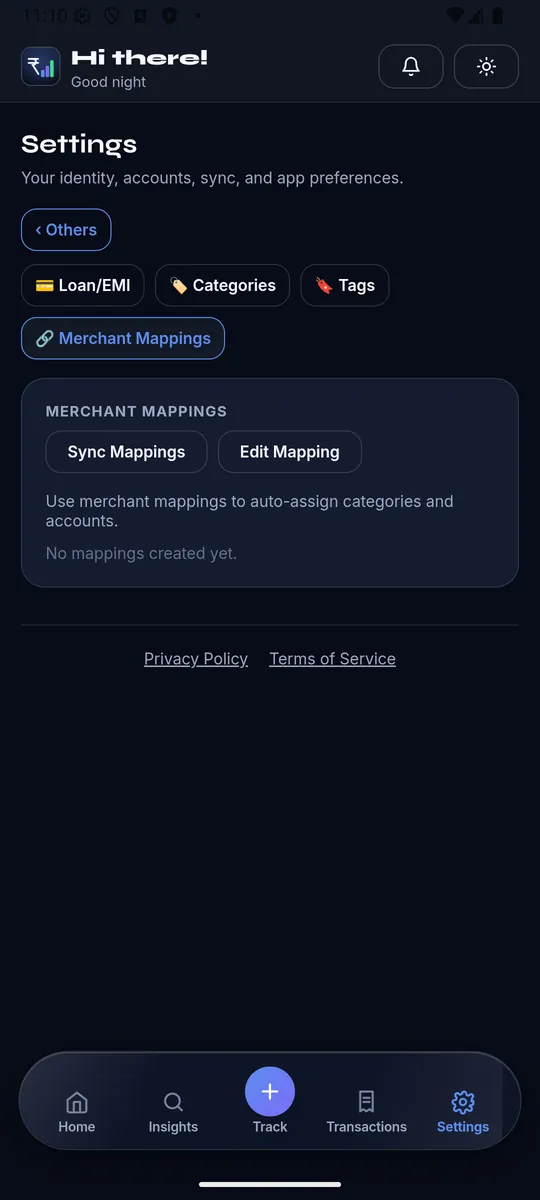
- Your own corrections, remembered. The first time a transaction from an unfamiliar or ambiguous merchant comes in, it might land in the wrong category or need you to pick one. The system that actually gets better over time is the one that remembers that correction and applies it automatically the next time the same merchant appears — not the one that asks you the same question every month.
Why it sometimes gets it wrong
Three situations trip up even a well-built categorizer:
- A merchant that spans categories. "AMAZON" could be a book, a kitchen appliance, or a grocery order — the merchant name alone doesn't say which, so a generic default (usually Shopping) is a best guess, not a certainty.
- Payment-gateway-prefixed names. Some transactions route through a payment processor whose name shows up instead of the actual merchant's — the real merchant is there, just obscured by an intermediary's branding.
- A genuinely new or rare merchant. A small local shop, a one-off service, something that's never been seen before — nothing in a pattern list can match what it's never encountered, so this is where a manual categorization once, remembered after, matters most.
What a good fix actually looks like
The test for whether categorization is actually useful isn't "does it get everything right the first time" — nothing will. It's "when it's wrong, how fast is the fix, and does the fix stick." If correcting a transaction takes one tap and the app never makes you correct that same merchant again, the system is doing its job even with an imperfect first guess. If you're stuck manually recategorizing the same merchant every single month, the learning step is missing — and that's a worse problem than the occasional wrong guess itself.
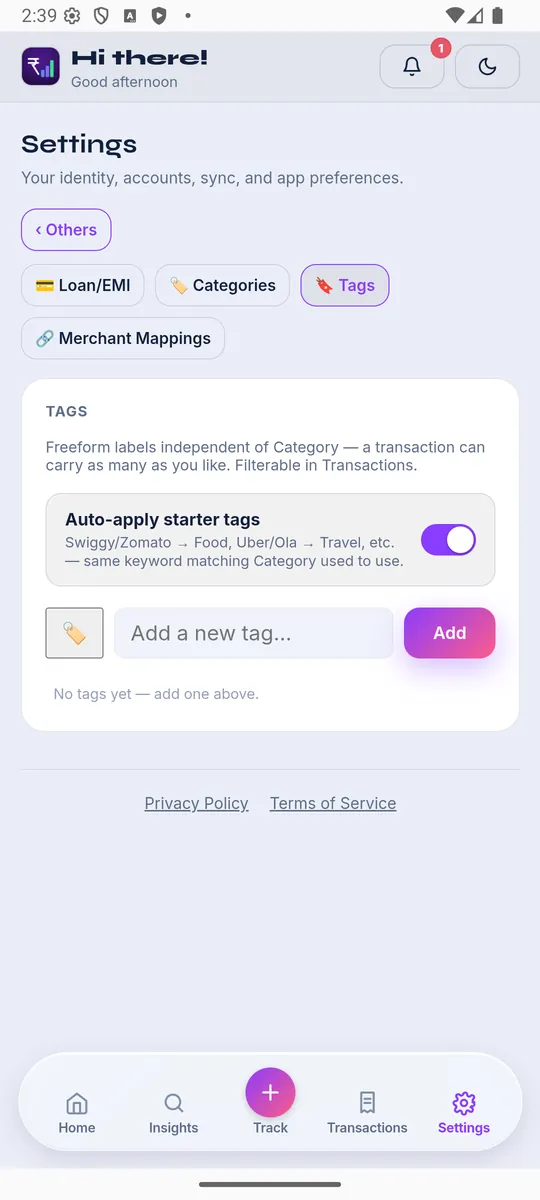
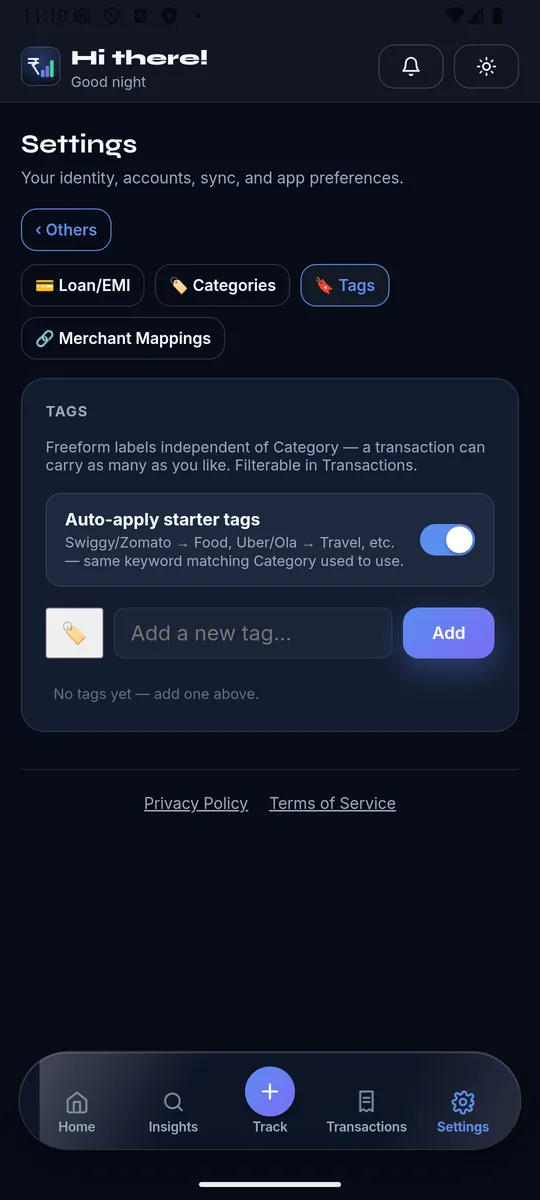
XpenseAI learns from every correction — fix a merchant's category once via Merchant Mappings, and every future transaction from that merchant (and, optionally, every past one) gets it right automatically. See exactly how it works or get started free.