 Xpense
Most people don't quit budgeting apps because they're undisciplined. They quit because the app asked them to do something that doesn't survive a normal week: open it, find the right transaction, type in an amount, pick a category, and repeat that for every ₹40 chai, every auto-rickshaw ride, every UPI payment to a friend. Do that four or five times a day and it's not a habit, it's a part-time job.
The real reason tracking apps get abandoned
It's not the interface. Most finance apps look fine. The problem is the marginal cost of logging one transaction. If entering a single purchase takes 30-45 seconds — open the app, tap Add, fill four or five fields, save — and you make five to eight small payments a day, that's several minutes of pure data entry, every single day, forever. There's no week where that gets easier, because real spending doesn't slow down to make room for logging it.
App-store reviews for budgeting apps repeat the same complaint in different words: "great the first few days, then I stopped opening it." That's not a motivation problem. It's what happens to any system whose maintenance cost is higher than the value it delivers in the moment you're asked to pay that cost.
What "automatic" actually has to mean
A tracker that claims to be automatic but still expects you to review and manually fix most of what it imports hasn't removed the real cost — it's just moved it from typing to editing, which isn't much cheaper. The bar that actually matters is: does most of your spending end up correctly categorized with zero taps from you, and does the app make the exceptions easy to fix instead of easy to ignore?
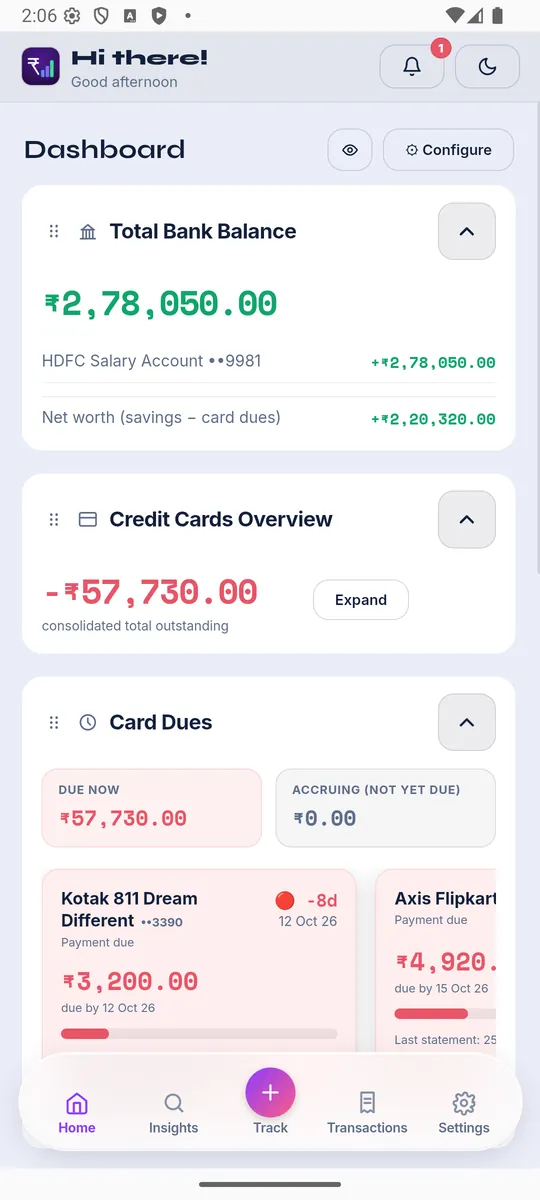
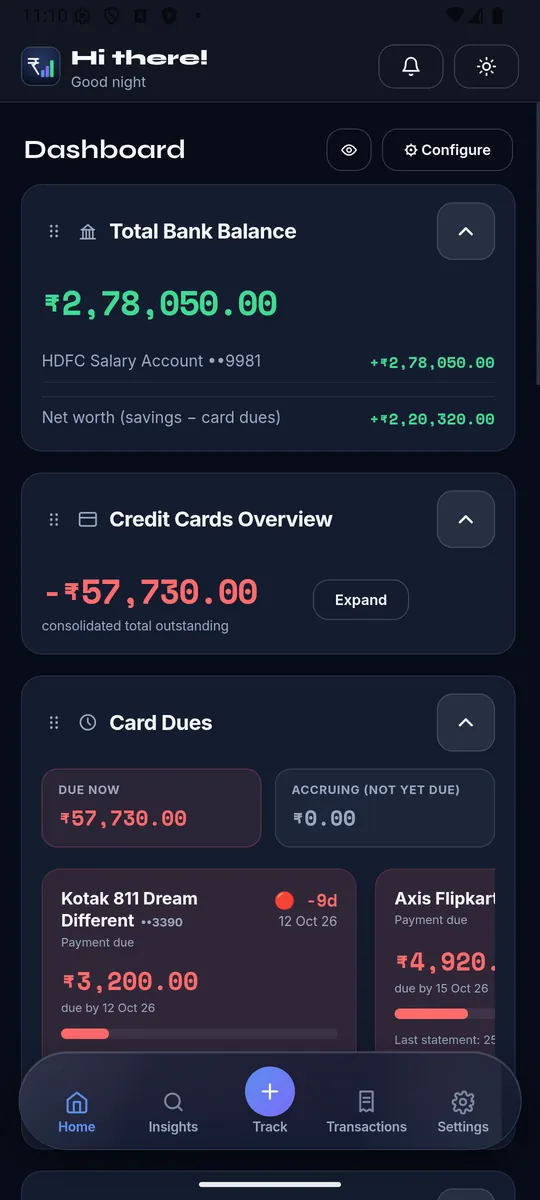
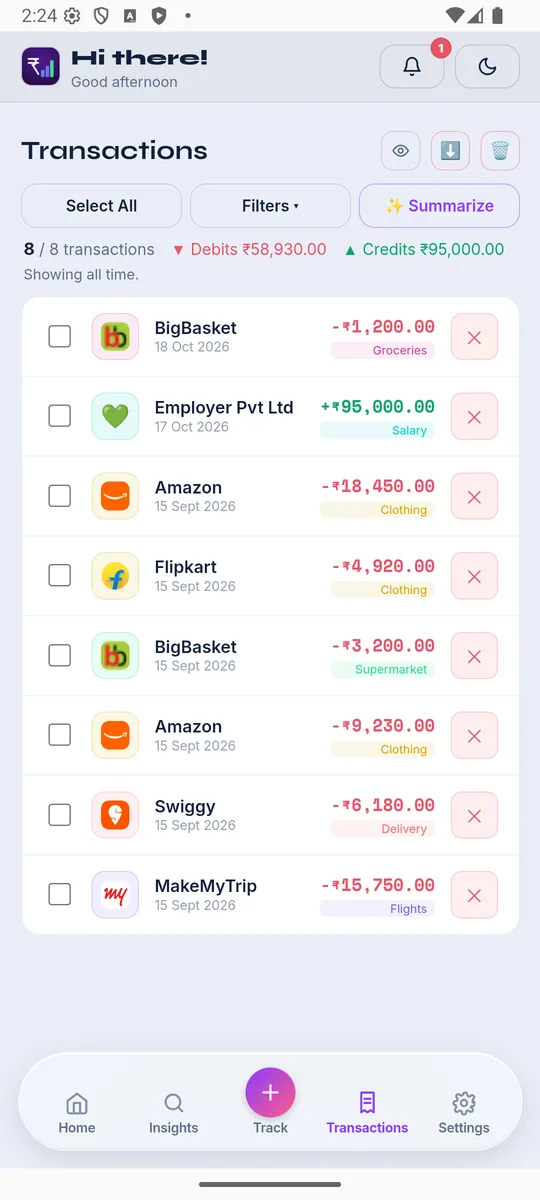
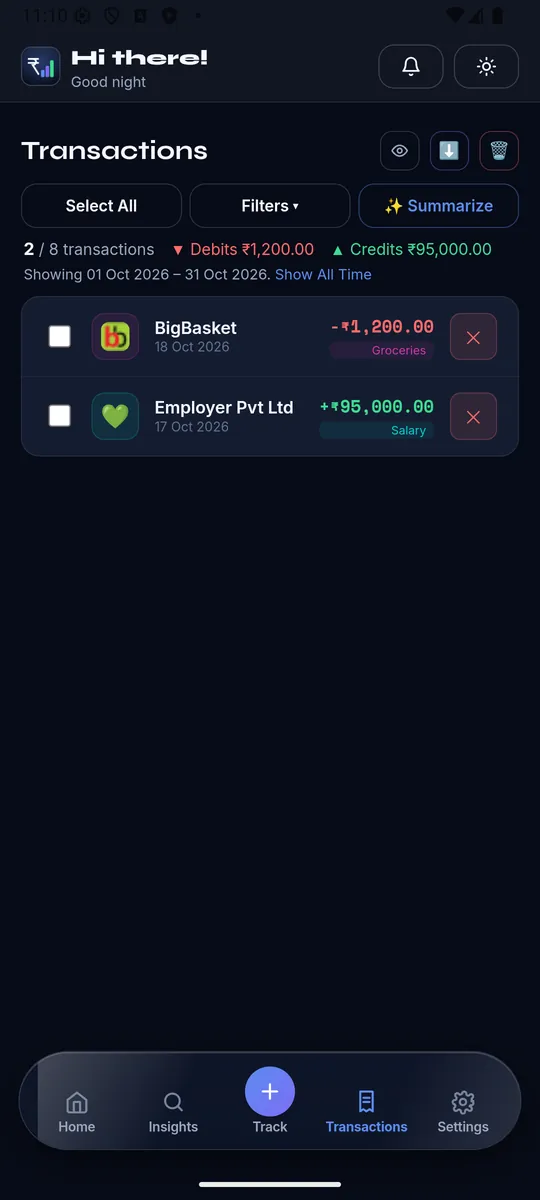
In practice that means three things working together, not just one:
- Reading your real transaction emails and statements, not asking you to re-enter what your bank already told you. Most Indian banks and cards send an SMS or email the moment money moves — a tracker that reads those (with your permission) turns "remember to log this" into "review what's already logged."
- Handling locked, password-protected statement PDFs without making that your problem every month — a lot of "automatic" import tools quietly skip anything that needs a password, which for credit card statements is most of them.
- Learning your merchants, so "SWIGGY*ORDER" lands in Food every time after the first correction, instead of asking you to re-categorize the same merchant every month.
What to actually check before picking one
Skip the feature list and ask three concrete questions instead:
- If I connect my email, does it pull in statements automatically, including the password-protected ones, or do I still have to go find and upload them myself?
- When it gets a transaction wrong, how many taps does it take to fix — and does it remember the fix for next time?
- Can I still add something by hand in ten seconds when I pay cash, without that becoming the only way the app works?
A tracker built around those answers is one you'll still be using in three months, not three days — because the thing you actually have to do by hand each day is small enough to not notice.
XpenseAI connects to your Gmail once and automatically finds, unlocks, and reads your bank and credit card statements and transaction-alert emails — no manual entry required for the transactions that already exist in your inbox. See exactly how it works or get started free.