 Xpense
Reconciling sounds like accountancy, but the idea is simple: your record and the bank's should agree. When they do not, something is missing.
1. Pick a period
A month is easiest. Take the statement for that month and your own list for the same dates.
2. Match line by line
Tick off each entry that appears in both. Most will match quickly.
3. Investigate the leftovers
Entries only in the bank statement are things you did not record. Entries only in yours may be pending or mistaken.
4. Compare the totals
Starting balance plus credits minus debits should equal the ending balance. A difference means a missing or wrong entry.
5. Fix and note the cause
Correct the record, and if there is a pattern, such as always forgetting a type of payment, change your routine.
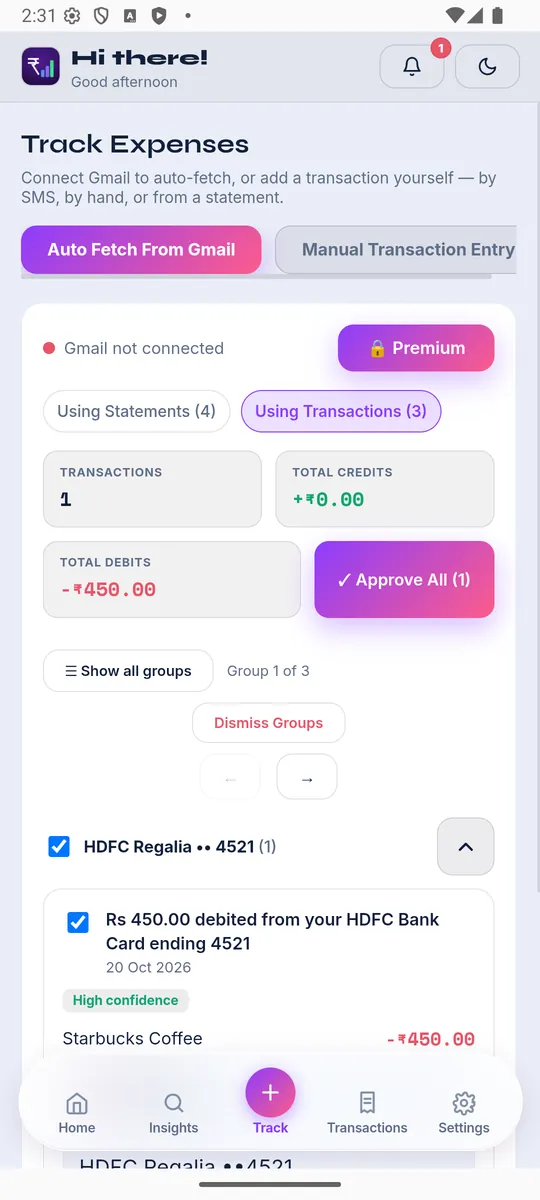
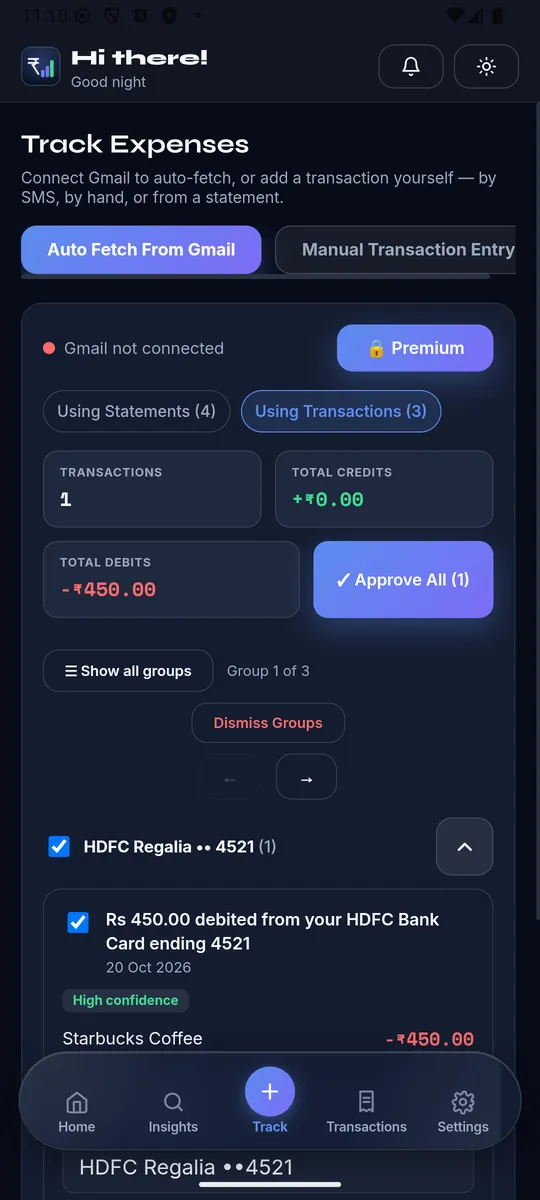
XpenseAI finds your bank and card statements in Gmail, matches them to the right account, and shows them to you for review before anything is saved. See how it works or get started free.