 Xpense
UPI removed the friction from paying. A chai, an auto ride, a splitting of dinner: each takes a few seconds and leaves no physical trace. That convenience is also why many people feel their money vanishes without knowing where.
1. Why UPI spending goes missing
There is no receipt and no cash leaving your wallet. The only record is a line in your bank statement with a reference number and a name that may not mean much, such as a person's name for a shop. Without a record that is easy to read, these payments never register as spending.
2. Your bank already tells you every time
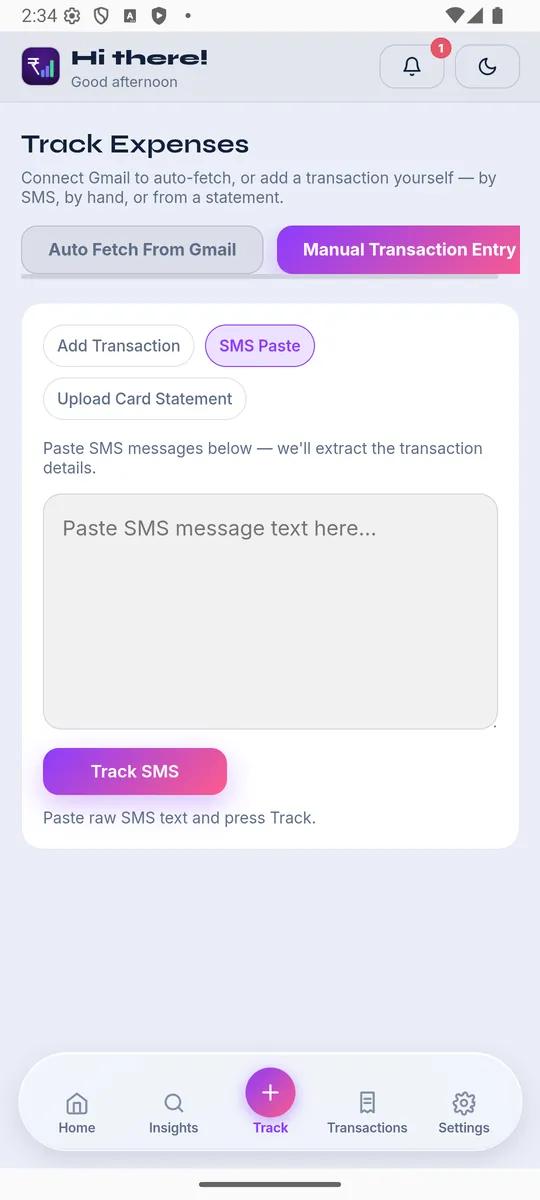
Every UPI debit triggers an SMS or an email alert from your bank, with the amount and a reference. That is a ready-made log of every payment. The trick is getting it out of your inbox and into something you can total and sort.
3. Name the merchant once
The same shop appears under the same UPI name each time. Labelling it once, and having every future payment to it categorised the same way, removes the repetitive part of tracking.
4. Separate personal and shared payments
Splitting a bill with friends makes your statement look like you spent far more than you did. Keeping your own share separate from money you will get back keeps the monthly picture honest.
5. Review weekly, not monthly
A short look once a week catches mistakes while you can still remember what a payment was for. At month-end it is just a list of names and numbers.
XpenseAI can read bank alerts and statements, categorise UPI payments, and learn merchants you have already labelled, so most of the work happens for you. See how it works or get started free.